9Hits documentation#
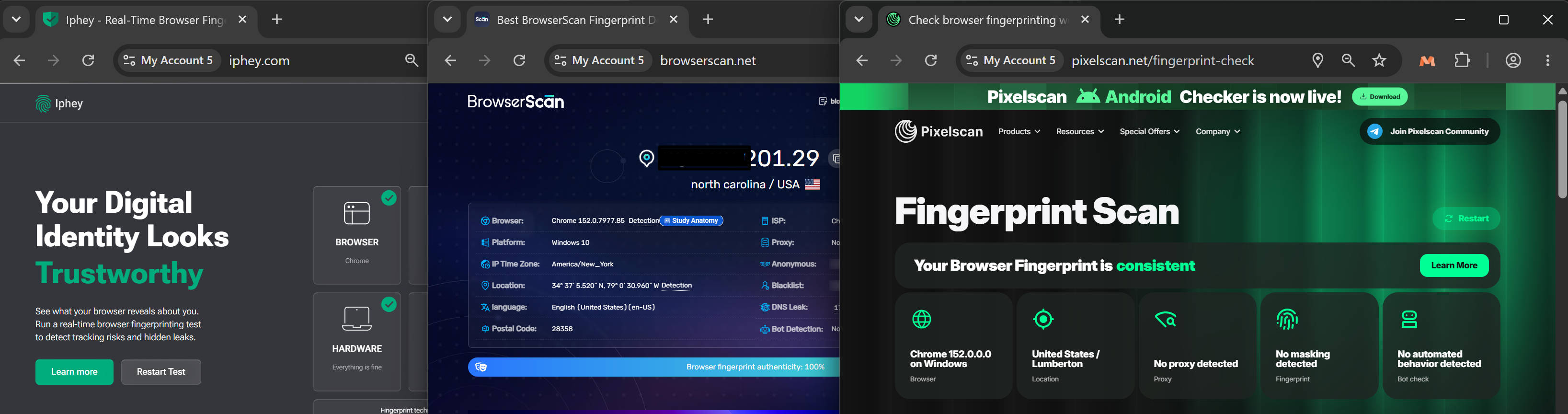
This is the official documentation for 9Hits, covering the 9Hits Traffic Exchange system and the 9Login anti-detect browser! Both products are built on our own MayBrowser (Chromium based), which generates real browser fingerprints, passes every fingerprint test site, and closely follows Chromium's update cycle.
9Hits Traffic Exchange#
An automatic traffic exchange system with a simple principle: you view the websites of other members in the system, and they view yours. To start getting traffic, see our quick start guide.
Features for traffic receivers:
- Custom duration: Set any duration you like, up to 10 minutes per visit.
- Quality control: GEO-targeted, ASN/Quality/IP filter, traffic source (referrer), popups.
- Traffic volume control: Limit the number of visits, set an end date for traffic, frequency capping, hourly limit, delivery speed.
- Real-time statistics: Monitor the traffic of your campaigns in real time.
- Custom interactions: Write your own scripts to interact with your website (click, scroll, type, etc.) without a real user doing it.
- API: Manage your campaigns from any third-party application.
Features for traffic senders:
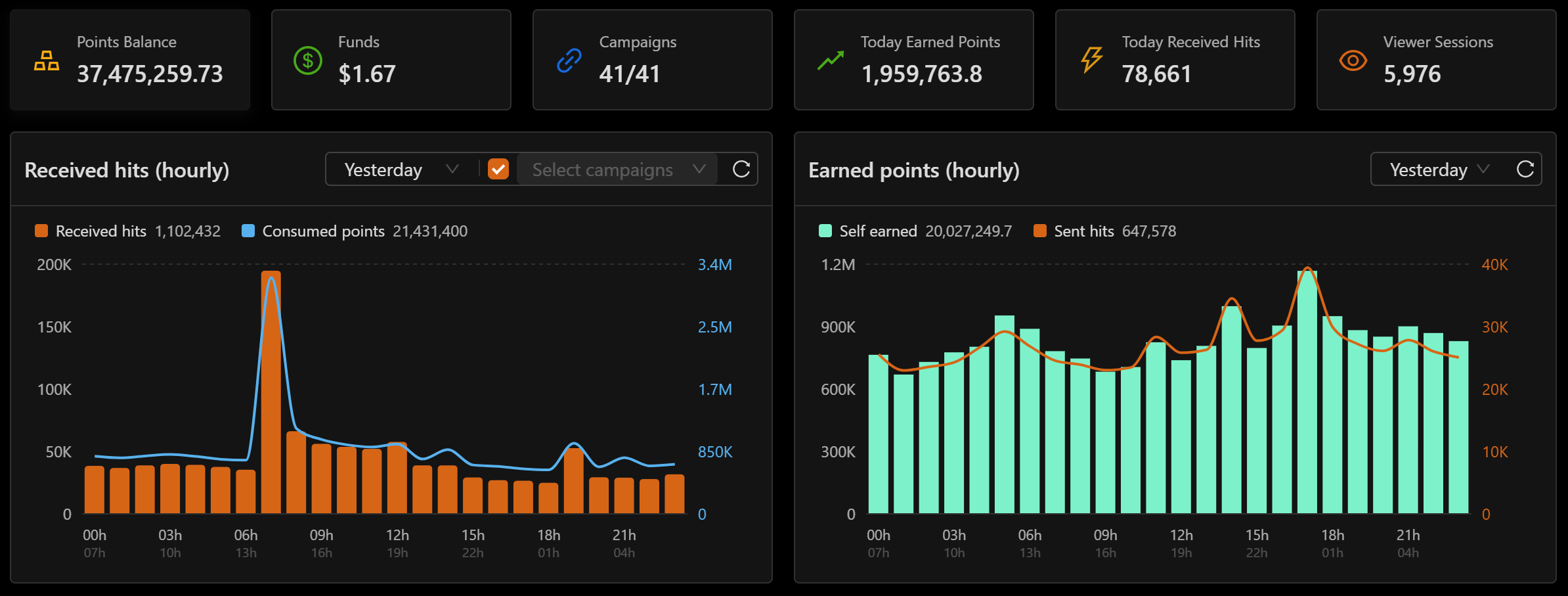
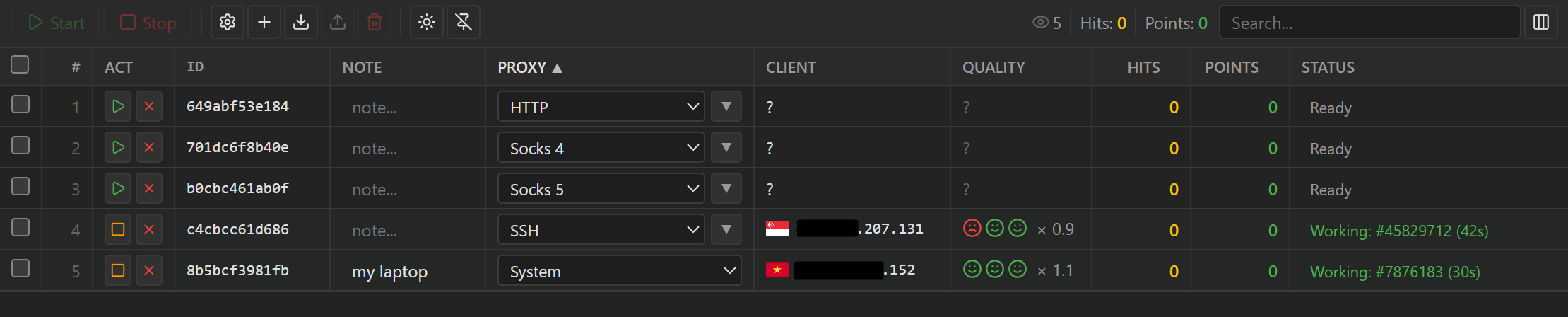
- 9Hits Viewer app: Easy to install, stable and cross-platform. It views other members' websites and earns points fully automatically.
- Multi-session support: Run many sessions at once with various proxy types to maximize the points you earn.
- Security: The app always keeps up with the latest Chromium updates, for security and performance.
- Real-time statistics: Session status and earned points are reported instantly.
- Remote control: Easily configure and control the app remotely from the 9Hits Dashboard.
9Login: an anti-detect solution#
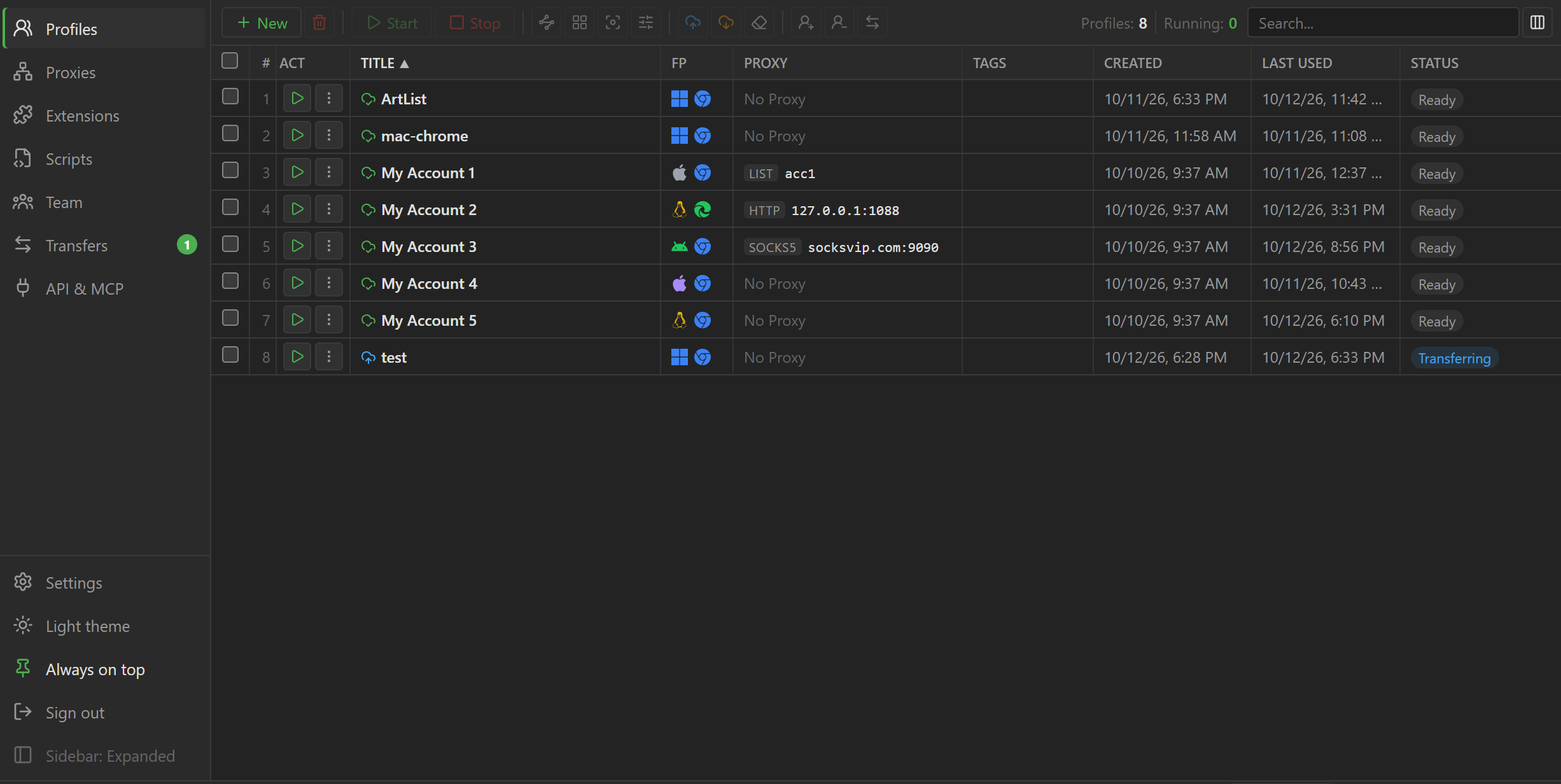
Besides 9Hits, we also offer 9Login, an anti-detect browser for managing many profiles on the same computer. Each profile runs as a separate browser, with its own fingerprint, proxy, cookies and login data, isolated from the other profiles.
Key features:
- Per-profile fingerprints: Choose the operating system (Windows, macOS, Linux, Android, iOS), browser and version, screen, hardware, WebGL, and noise layers for canvas, audio, fonts, etc.
- Proxy: Supports every proxy format, and automatically detects the IP and sets matching parameters (WebRTC, GEO, Timezone, Language, etc.)
- Cookies and extensions: Import and export cookies in JSON, Netscape or cookie header format; install extensions from the Chrome Web Store, from a file or from a folder.
- Automation scripts: Write automation scripts in JavaScript. You can write them in the Studio tool or get help from AI.
- Teamwork: Create sub-users, set permissions and assign individual profiles to each person.
- Sync control: Repeat actions from one main profile on other profiles at the same time.
- Cloud: Work anytime, anywhere, with your settings, proxies, extensions, profiles and their browser data synced to the 9Hits cloud servers.